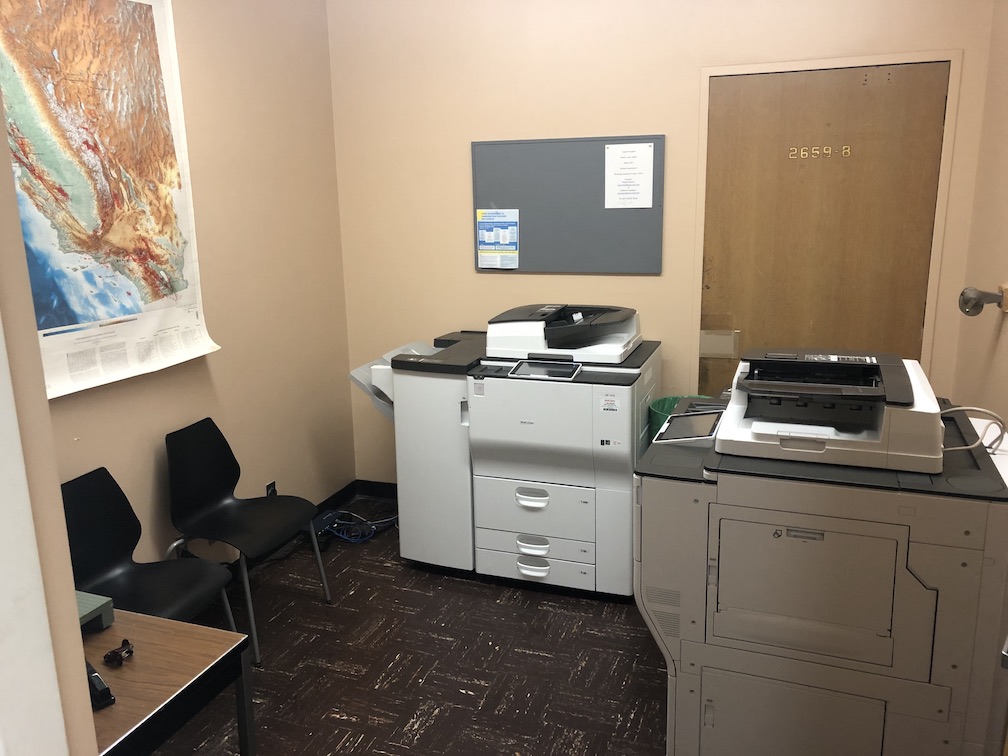
Department copiers are in Geology 3807. You need a user code before you can print.
Department printing
EPSS provides two high-volume Ricoh MFD copier/printer/scanner devices for faculty, researchers, staff, and graduate students. A user code is required for all jobs.
Location & access
The copiers are in Geology 3807 (across from the Main Office). Email help@epss.ucla.edu with your name, lab/group affiliation, and status (faculty, student, researcher, postdoc, etc.) to request a personal user code.
TAs printing course materials (exams, labs, handouts) use a separate class code from your TA coordinator or the helpdesk. Large courses such as EPS SCI 8, 9, and 10 have dedicated codes.
What you can do
- Print black and white or full color
- Scan documents (email to yourself or save to USB)
- Print from a USB drive (PDF and image formats only; drive must be FAT formatted)
Print from your computer
Install the Ricoh drivers and add your user code in printer preferences. You must be on EPSS ethernet or Eduroam in the Geology/Slichter building — lab wireless and PhySciOpen will not work.
See the step-by-step guide for Windows and macOS (including screenshots):
How to use the department printers
macOS note: Printing from Safari is not supported. Use Chrome, Firefox, Edge, or another app.
Linux printing is possible but not officially supported — email help@epss.ucla.edu if you need assistance.