Access your EPSS department email through Outlook on the web (Office.com) using your UCLA Logon ID.
Your @epss.ucla.edu mailbox is hosted on the campus Microsoft 365 instance.
On this page
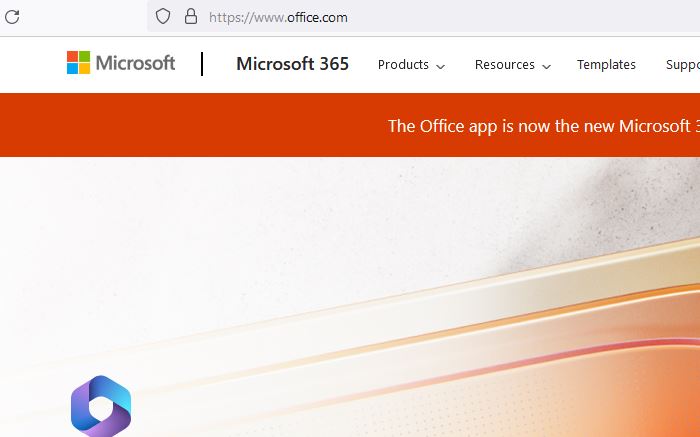
2
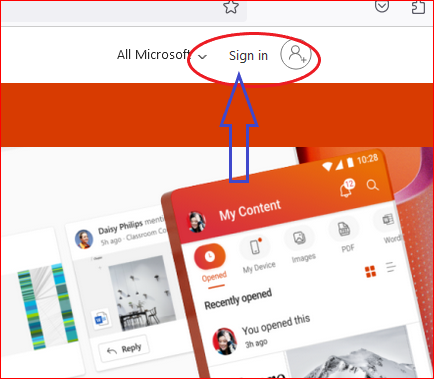
Click Sign in
- On the Office.com home page, click Sign in.
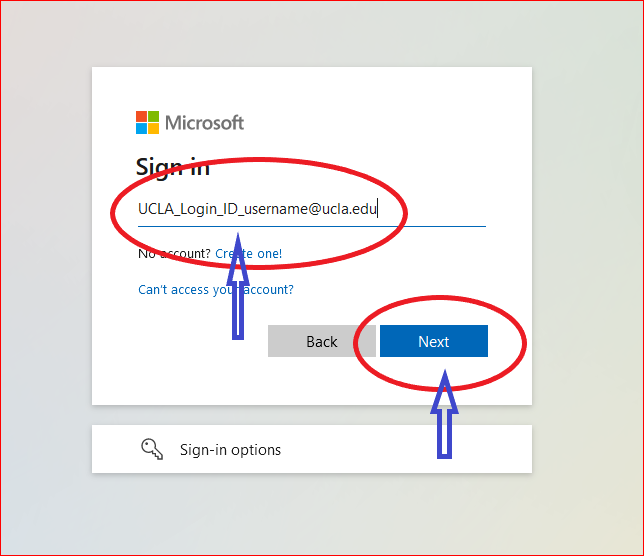
4
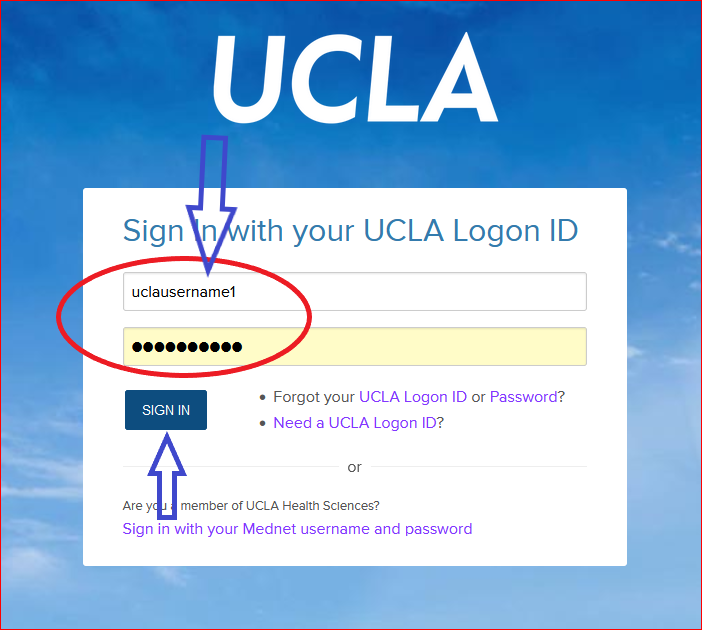
Complete UCLA login
- For username, enter your UCLA Logon ID.
- For password, enter your UCLA Logon password.
- Complete Duo MFA if prompted.
5
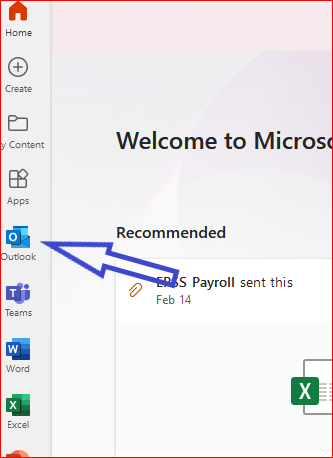
Open Outlook
- After you sign in, click the Outlook icon in the left menu.
Need help? Email help@epss.ucla.edu or see How to use the EOP spam filter.